




Tips & Tricks - Contacts

Did you know……
You can view the invoices, bills, and payments for each individual contact on their contact record. From the dashboard select contacts > all contacts. Search for the required contact. Here you will find all transactions relating to that contact.
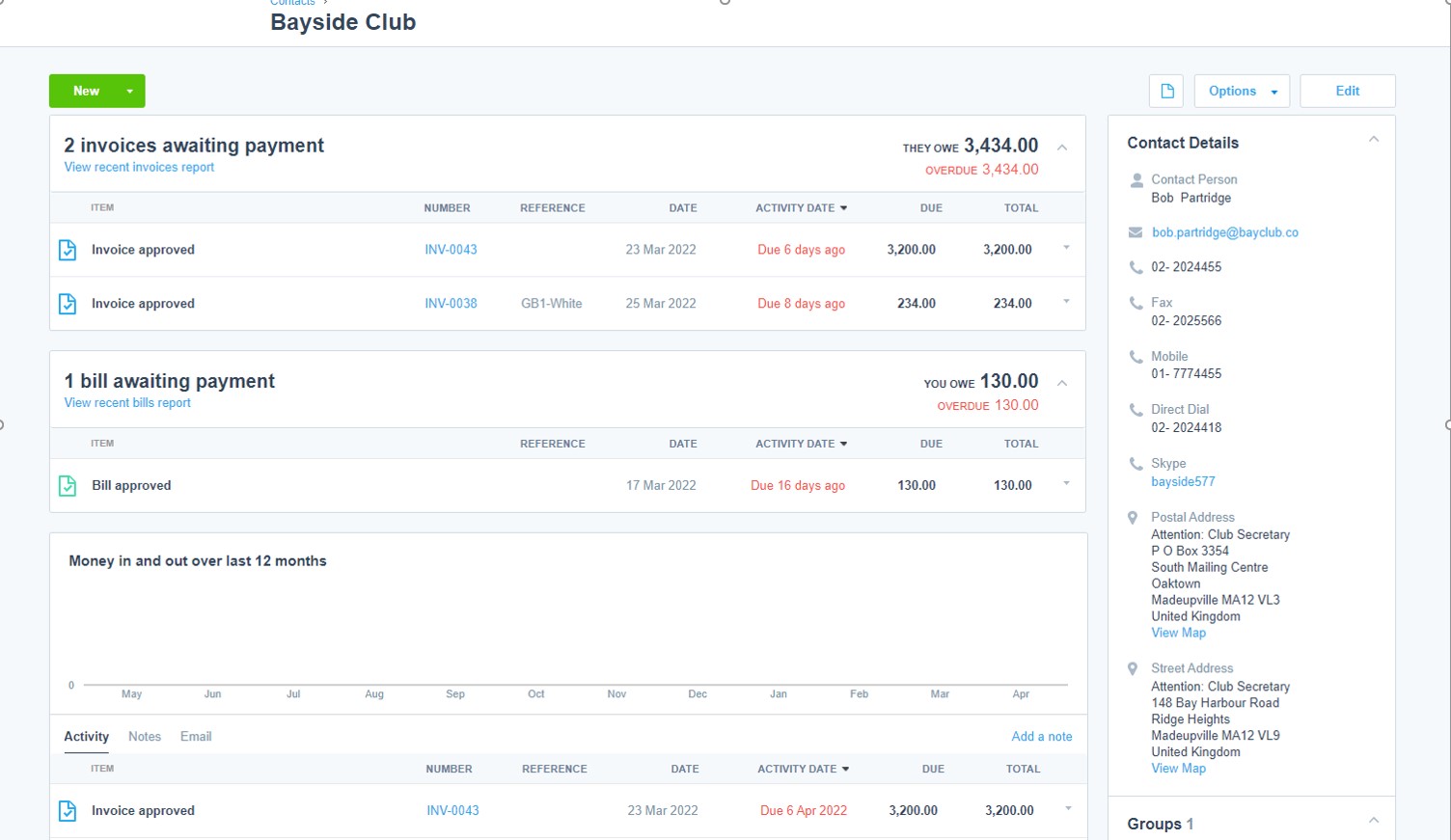
It is also possible to set defaults for each contact from here. Click “edit” on the required client. You can then edit the individual contact information to have its own default settings. These defaults can speed up and standardise invoice entry and be edited when creating a new transaction. The following defaults can be set at an individual customer level:
Account code
VAT rate
Credit limit amount and blocks
Credit terms
Tracking category e.g., location
Sales invoice branding
Bank details for batch payments

Subscribe to
Inspired
Our monthly bulletin INSPIRED is packed with useful articles to keep you up to date with news and legislation that may affect you or your business.


Related news stories


Armstrong Watson can help
Whether you need expert accounting, strategic business advisory, tax planning, or financial guidance, our experienced team is here to support your success. From sole traders to large enterprises, we provide tailored solutions to help you navigate complex financial challenges and achieve your goals. Get in touch today to discover how we can help your business thrive – call 0808 144 5575.


